Share

เครื่องเกลือ Laswim EC Series ขึ้น EA หมายถึงอะไร?
Last updated: 3 Oct 2026
5 Views
Salt Chlorinator Error Codes | Laswim EC Series

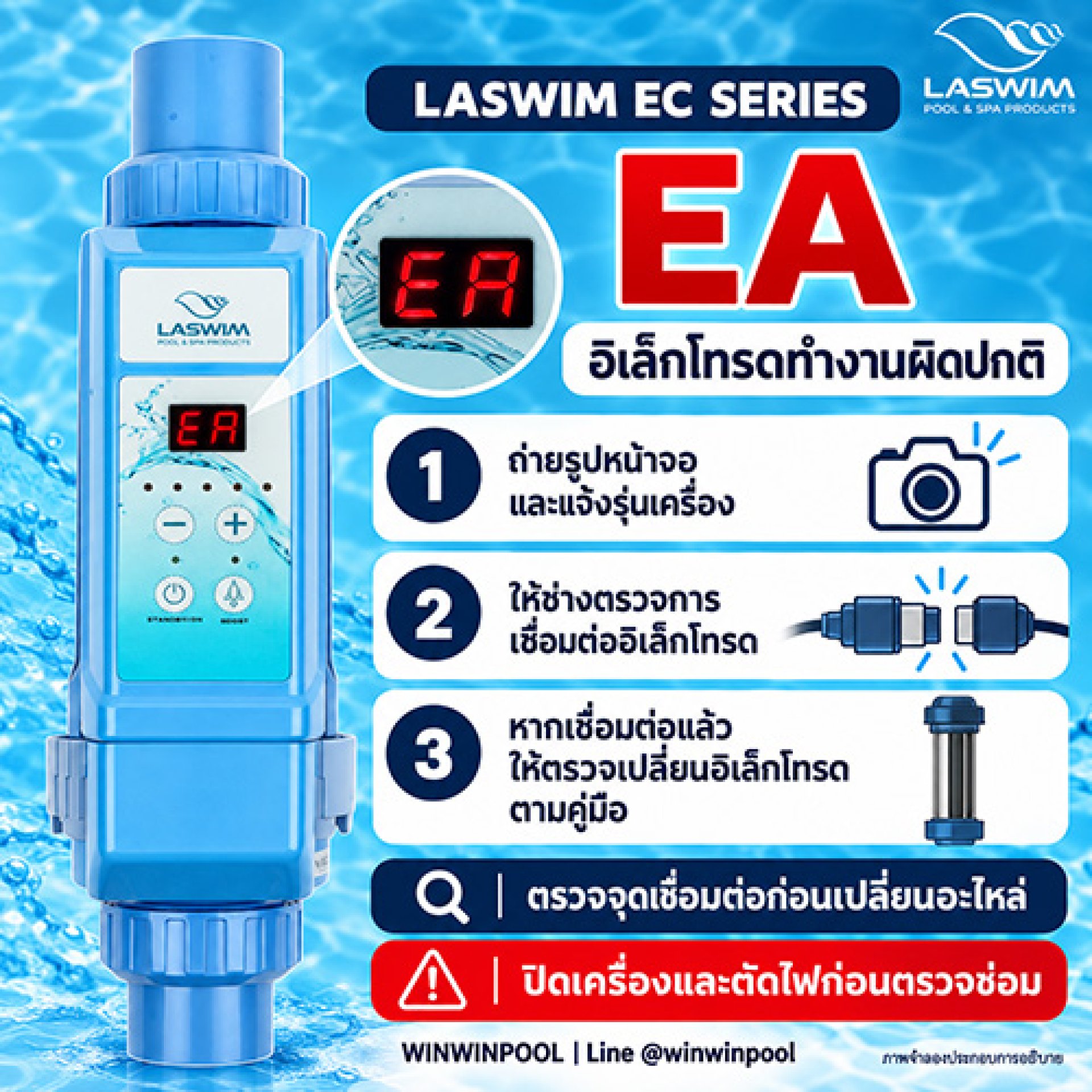
Laswim EC Series Salt Chlorinator Showing EA: What Does It Mean?

The EA code indicates an electrode fault. The manual says to check the electrode connection first before considering replacement parts.
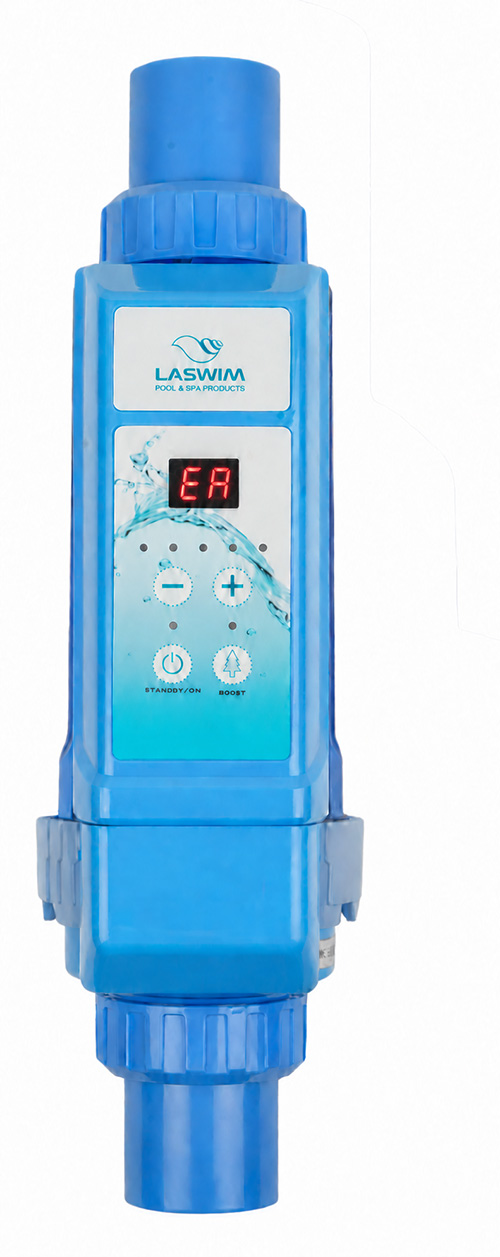
EA
Meaning per the manual

Electrode Fault

The manual says to start by checking the electrode connection, then consider replacement parts.

What Should You Do When You See This Code?

1
Photograph the display and note the unit model
Send a photo where the EA code is clearly visible, along with the following, so the technician can use it during inspection.
Clear photo of the code Unit model Symptoms Any other codes
 
2
Have a technician check the electrode connection
Check whether the electrode is connected and fix the connection properly before moving to the next step.
 
Not connected / loose connection

Fix the connection properly

Then test the unit and see whether the EA code still appears.

3 Already connected

Consider replacing the electrode per the manual

Have a technician confirm the fault and choose the correct part for your model, then test the unit again.

Comparing EA, EB and EC

E-codes on Laswim EC Series salt chlorinators have different meanings and different first steps according to the manual.

EA This article
Electrode fault
Start by checking the electrode connection
EB
System memory chip fault
Contact your dealer to repair or replace the chip
EC
System detection circuit fault
Start by switching the unit off and on again
Check Connections Before Replacing Parts

Reporting the EA code helps the technician start in the right place and plan the fix according to the manual.

Switch off and disconnect power before any inspection or repair. Opening the unit or checking internal parts should be done by a qualified technician.

Frequently Asked Questions

What does the EA code mean on a Laswim salt chlorinator?

EA indicates an electrode fault. The manual says to check the electrode connection first before considering replacement parts.

Do I need to replace the electrode right away?

Not yet. Have a technician check the electrode connection first. If it is already connected, then consider replacing the electrode per the manual.

If the electrode needs replacing, how do I choose one?

Have a technician confirm the fault and choose the correct part for your unit model, then test it again.

How is EA different from EB and EC?

EA relates to the electrode, EB to the system memory chip, and EC to the system detection circuit. Each has a different first step per the manual.
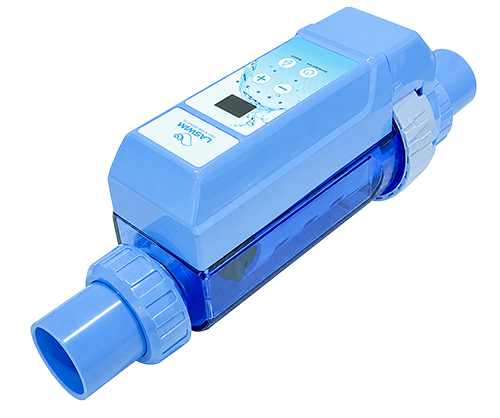
RELATED PRODUCTS

WINWINPOOL SHOP

Laswim EC Series Salt Chlorinators

Looking for a Laswim EC Series salt chlorinator, or want to compare models for your pool? See the full product details on our EC Series salt chlorinator page.

View EC Series models and details in one place
Choose the right model for your pool size and usage
Ask our team on LINE before you decide

Need Help With an Initial Diagnosis?

Send us a photo of the display, your unit model and the symptoms.

WINWINPOOL Everything For Your Pool
#Winwinpool #Laswim #ECSeries #LaswimEA #SaltChlorinator #PoolCare

Related Content
All Brands of Pool Cleaning Robots | How to Choose the Right One | Win Win Pool
Win Win Pool brings together top global brands of robotic pool cleaners in one place, including Dolphin, Zodiac, Hayward, AstralPool, Genkinno, Chasing, Winny, Kripsol, Waterco, and Win Win Pool’s own robotic models.
Hayward AquaRite 900 Shows “−Pcb−” With 4 Warning Lights: What Does It Mean?
If your Hayward AquaRite 900 displays −Pcb− with the No Flow, Check Salt, High Salt and Inspect Cell lights all on, the manual indicates a main PCB (circuit board) fault, not separate flow and salt problems. This guide explains the 3 steps to take and why you should not add salt to try to clear this code.
icon-messenger
This website uses cookies to enhance performance and provide you with a better user experience. You can read more details at: Privacy Policy and Cookies Policy