Hayward AquaRite 900 Inspect Cell Light Flashing: Is the Cell Bad?
Hayward AquaRite 900 Inspect Cell Light Flashing: Is the Cell Bad?
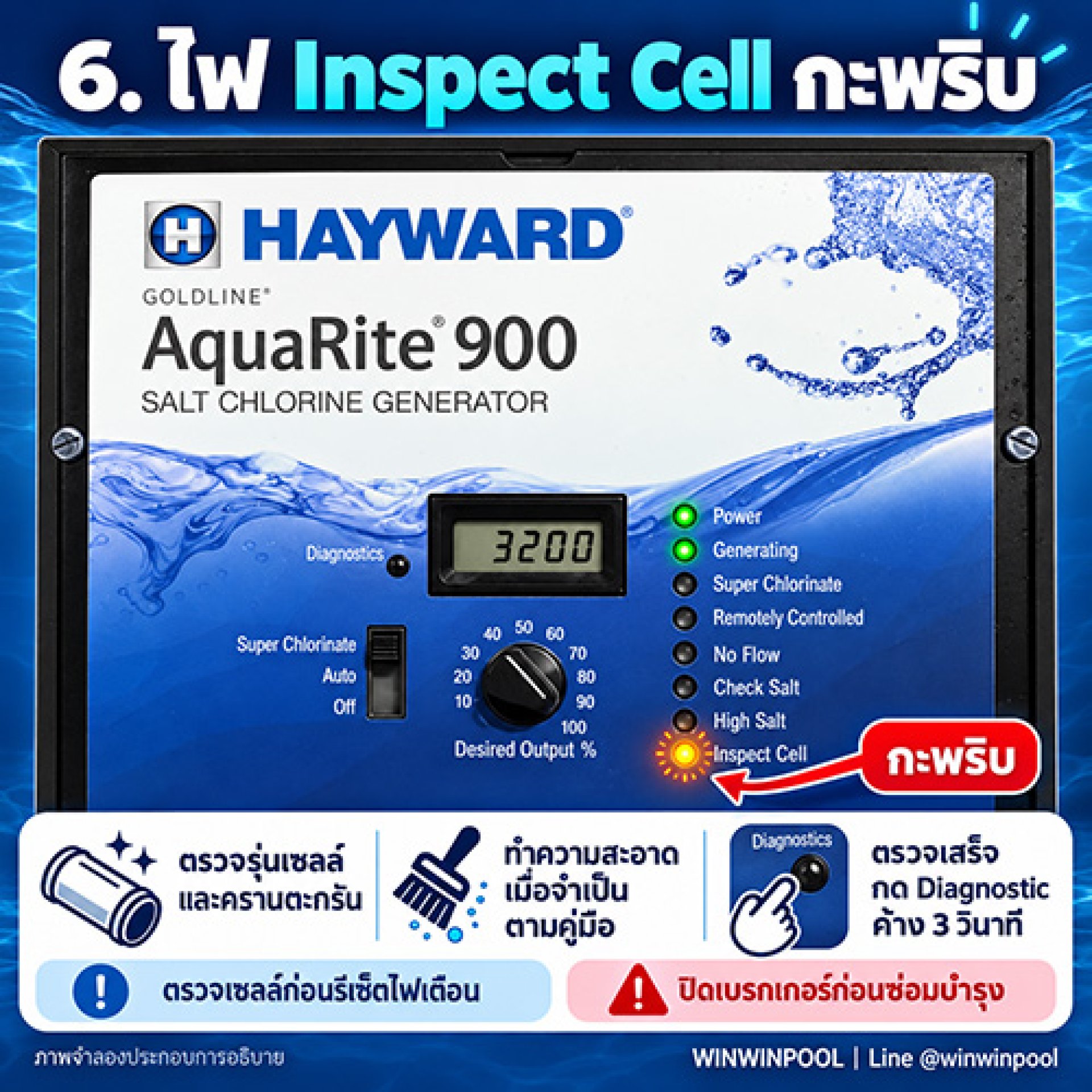
A flashing Inspect Cell light is a signal to inspect the cell. It may be time for a scheduled inspection, or the unit has detected reduced cell efficiency. It does not mean the cell must be replaced right away.
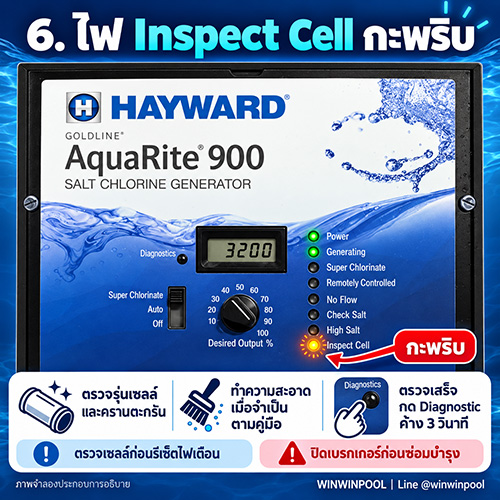
3 Steps When Inspect Cell Is Flashing
Inspect the Cell Before Clearing the Warning
Resetting turns the warning light off, but it does not remove scale or fix the cause of reduced cell efficiency.
If the light keeps warning after inspection and cleaning, test the actual salt level and have a technician assess the cell condition.
When requesting service, send a short video showing how the light behaves so the problem can be diagnosed accurately.
Frequently Asked Questions
Do I need to replace the cell if Inspect Cell is flashing?
Not yet. This light is a signal to inspect the cell. It may be a scheduled inspection or reduced cell efficiency. Check the settings and scale first.
How do I reset the Inspect Cell light?
After inspecting and reassembling, switch the system on and press and hold the Diagnostic button for 3 seconds, per the manual.
Can I just reset it without inspecting the cell?
We dont recommend it. Resetting turns the light off but does not remove scale or fix the cause of reduced efficiency.
The light is still on after cleaning. What next?
Test the actual salt level with a separate kit and have a technician assess the cell condition.
Need Help With an Initial Diagnosis?
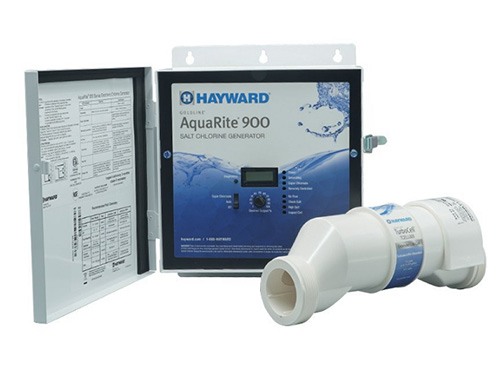
Send us a video of the flashing light, a photo of your cell model and your salt test result.